
1) Log In to your Moshtix Control room. Not sure how? See our helpful, 'How to Log In' guide by clicking here.
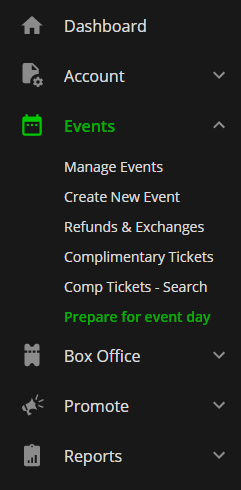
2) Once logged in, navigate to Events > Prepare for Event Day via the menu on the left hand side.
3) A table of all upcoming events and coinciding EVENT ID/TOKEN will appear. See below example.

Make sure you are copying the details for the correct EVENT DATE and NAME.
Comments
0 comments
Article is closed for comments.